

Turn commercial ideas into a product order.
Build Shopify collection merchandising rules around launches, performance and availability. Geosort gives you ordered layers, product pins and detailed controls. Product mix combines different product sources into one sequence you can run once or repeat.
 Start free trial
A mix you can describe, edit and repeat.
Each Product mix step specifies a quantity and a source: Best Sellers, New In, Sale, Color, Product Type, Tag or Metafield. Combine two new products with two bestsellers, alternate colours or give categories a deliberate share of the opening grid.
Run the sequence once to create an opening edit, or repeat it with an optional total product limit. Best Sellers and New In use their existing layer configuration. Color reads Shopify's native colour field; Metafield can use your chosen product field and an optional matching value.
Drag it. Drop it. Keep it there.
Move a product straight into the position you want in the collection preview. Drop it there and Geosort pins it, while the rest of the collection follows your sorting rules.
Give a campaign hero, a launch or an editorial favourite its place. Click a pinned product to keep it until you unpin it, set a number of days, or choose start and end dates. Each country keeps its own pins.
Collection preview
0 pinned
 AFTERHOURS HOODIE - BLACK
$209
AFTERHOURS HOODIE - BLACK
$209
 DRIFT STRIPED T-SHIRT - BLACK GREY
$125
DRIFT STRIPED T-SHIRT - BLACK GREY
$125
 WESTLINE FLANNEL SHIRT - BLUSH
$235
WESTLINE FLANNEL SHIRT - BLUSH
$235
 WOODLAND SWEATPANTS - WASHED WHITE
$179
WOODLAND SWEATPANTS - WASHED WHITE
$179
 ALPINE TRACK JACKET
$255
Sold Out
ALPINE TRACK JACKET
$255
Sold Out
 COURTSIDE GRAPHIC T-SHIRT
$135
COURTSIDE GRAPHIC T-SHIRT
$135
 COURTSIDE SWEATER
$195
COURTSIDE SWEATER
$195
 FIELD CAP - VINTAGE BLUE
$69
FIELD CAP - VINTAGE BLUE
$69
Drag a product to a new position to pin it for this country.
Use arrow keys to move and pin the product. Press Enter to edit its position.Pin product
Set the position directly, or drag the product in the preview.
Keep the right products together and in control.
Product mix arranges sources. Product Grouping keeps related products together. Launch Order gives a drop a fixed product sequence across collections. Pins protect individual positions. These tools solve different merchandising decisions and can work in the same strategy.
For Tags, Product Type and Metafield layers, Advanced controls can raise priority and exclude assigned products from Product mix. Protect a campaign block while the remaining eligible products follow the mix.
Plan the moment. Respect the catalogue.
Schedule a layer to start immediately or at a chosen date and time. End it manually, after a set number of days or at a specific time, using the store timezone. The rest of the recipe continues when the campaign layer ends.
Product mix uses eligible products in the selected collection and scope. A product appears once; an exhausted source is skipped. Remaining products continue through the recipe, with availability, pinning and exclusions still respected.
Keep broken sizes
out of prime positions.
- Track key sizes such as S, M and L
- Use size groups or remaining-variant thresholds
- Move low and broken stock down automatically
Flag this product when S, M and L are all sold out.
Back in stock.
Back in view.
- Detect restocks automatically
- Set how long the visibility boost lasts
- Return to normal ranking when the boost ends
See the merchandising behind the results.
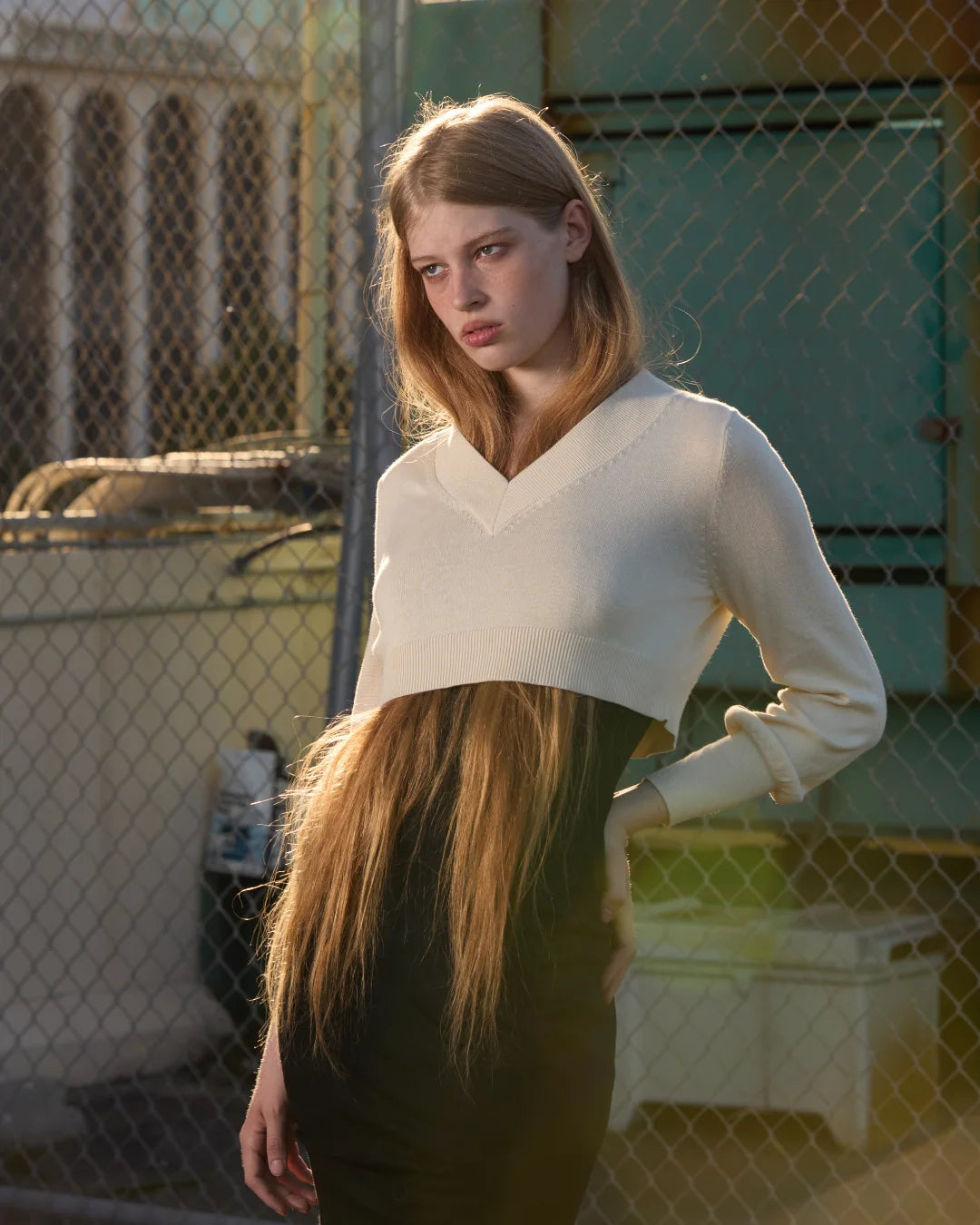
Explore how NiiHAi, Scuffers, Feners, Yuxus and Laagam combine local demand with commercial control. Each story explains the merchant, setup and measurement context.

Local bestsellers.
Global growth.
£93,325 in extra revenue in one month, with local product discovery across 36 countries.
Read the story

€408,074 extra.
In just 38 days.
Country-specific merchandising at scale: 40 countries, 120 collections and a 27.3% higher conversion rate than Shopify storewide.
Read the story

Brand control.
Measurable growth.
€41,969 in incremental revenue over 90 days, combining creative control with country sorting across 30 countries.
Read the storyFrequently Asked Questions
Make every collection work harder.
Bring sorting, merchandising rules, Product mix, analytics and experimentation into one Shopify app. Start with the workflow your store needs and expand from there.
